
Self-Publishing & KDP
Kindle eBook Table of Contents: Logical and HTML Navigation Checklist (2026)
Create a Kindle ebook table of contents that meets KDP navigation guidance: logical TOC, linked HTML TOC, Word and EPUB setup, and testing steps.
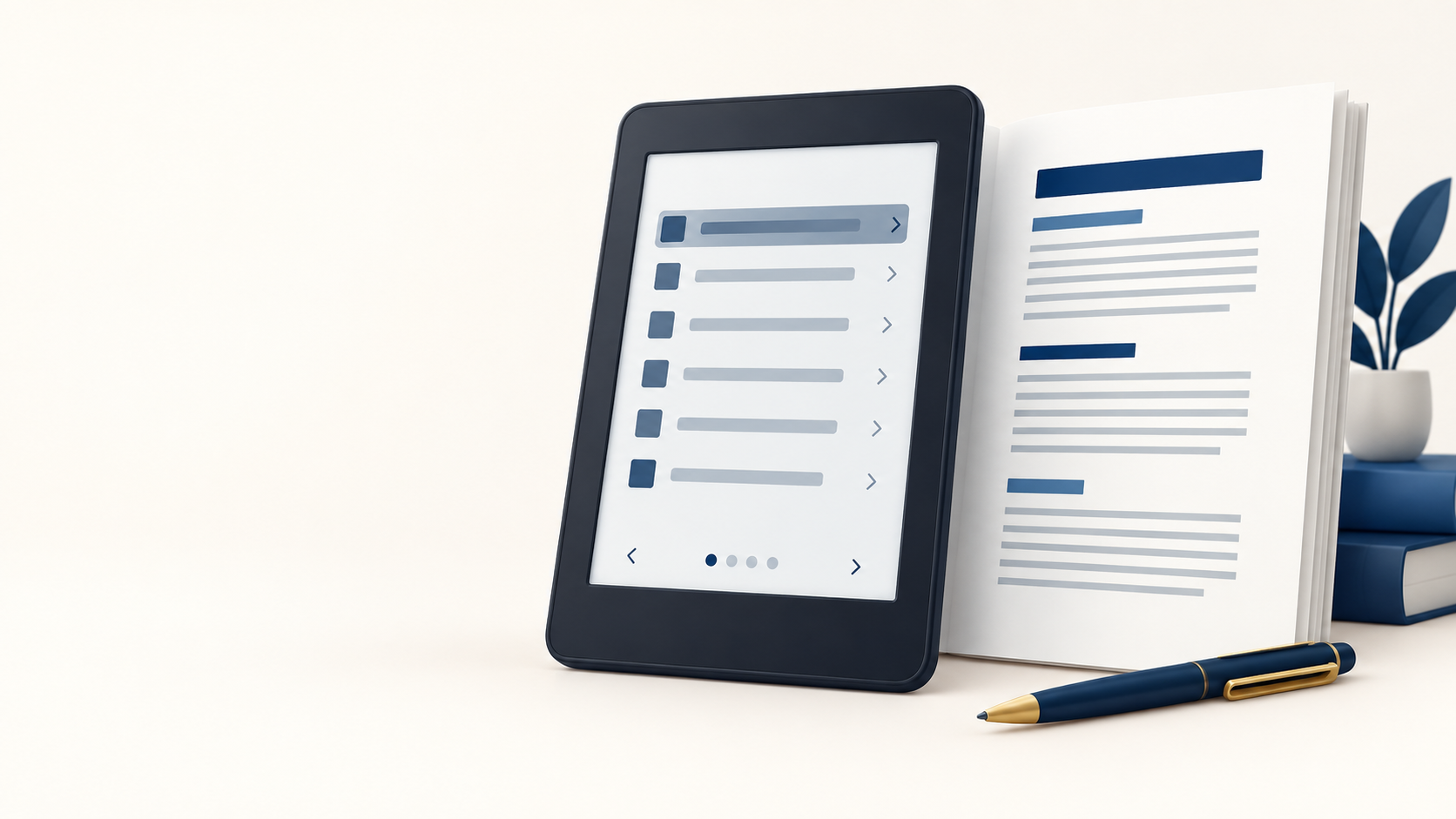
Every Kindle ebook with chapters or sections needs a working logical table of contents (TOC). Amazon KDP also strongly recommends a linked HTML TOC near the front of the book. The reliable approach is to use real chapter headings, create clickable entries that match them, and test both the TOC page and Kindle navigation before publishing.
A table of contents is not just a decorative front-matter page. In a Kindle ebook, it is part of the reading experience: readers use it to jump between chapters, find reference sections, and understand the book’s structure. A broken, incomplete, or print-style TOC is a very common avoidable formatting problem.
The two Kindle TOCs serve different jobs
Think of a Kindle TOC as two connected navigation layers. They should describe the same book structure, but readers encounter them in different places.
Build one clear chapter hierarchy, then make both reader-facing navigation paths agree.
| TOC type | Where readers find it | What it needs |
|---|---|---|
| Logical TOC | Kindle’s Go To navigation | Required by Amazon for Kindle books; it should include the book’s chapters or sections. |
| HTML TOC | A linked page near the beginning of the ebook | Strongly recommended; each entry is a real hyperlink to the correct location. |
Amazon’s current guidance says a logical TOC is required for Kindle books. It is available through the Kindle navigation menu and helps readers move through the book. An HTML TOC is the visible, linked list inside the book; Amazon strongly recommends it because readers expect to find one when they open a book and older devices may rely on it.
Kindle ebook TOC checklist
- Use the same chapter and section names in the book and in the TOC.
- Include every navigable chapter or major section once, in reading order.
- Make every HTML TOC entry a hyperlink, not plain text.
- Place the HTML TOC toward the beginning of the ebook.
- Remove print page numbers from the ebook TOC.
- Keep the hierarchy useful: include sub-sections only when they help readers find material.
- Test the visible TOC page and the navigation shown in Kindle Previewer.
For a short novel, that may be one clean list of chapter titles. For nonfiction, a part-and-chapter hierarchy can be helpful. The goal is not to list every heading mechanically; it is to give the reader a clear, truthful map of the book.
Word and Kindle Create: start with real headings
If your manuscript begins in Microsoft Word, apply Heading 1 to every chapter title instead of formatting it with only a larger font or bold type. This creates a consistent structure that Word and ebook-conversion tools can recognize. Then use Word’s References > Table of Contents tools to create the linked TOC, and update it after changing titles or order.
In Kindle Create, review the detected chapter titles before accepting them. The accepted entries are used to create both a TOC page and Kindle Interactive TOC. Sections that are not marked as title elements will not become TOC entries, so inspect the Contents pane before exporting.
Clean source styles also make a professional Kindle and EPUB formatting workflow faster and safer. They prevent the fragile manual tabs, spaces, and line breaks that often look acceptable in a document but break during conversion.
For EPUB: use a navigation document correctly
If you are preparing EPUB source files by hand, the modern route is a navigation document. Its TOC navigation uses a nav element marked with epub:type="toc", containing an ordered list of chapter links. In the OPF package, declare that navigation file in the manifest with properties="nav". To use it as the visible HTML TOC as well, include it in the spine at the front of the reading order.
An NCX is still supported, but Amazon states that Kindle devices prefer the navigation document when one exists. For fixed-layout books, do not nest anchor tags; Amazon warns that nested anchors in fixed-layout books cannot be supported.
How to test every TOC link before KDP submission
- Open the book from the cover in Kindle Previewer or KDP’s Online Previewer.
- Go to the visible TOC page and select each entry.
- Confirm it opens the correct chapter or section—not merely a nearby page.
- Open the Previewer’s TOC/navigation pane and repeat the check there.
- Check names, reading order, duplicates, typos, and any missing chapters.
- Test after every structural revision, especially after adding, removing, or renaming a chapter.
KDP’s QA standards specifically ask publishers to test both the TOC page and the table of contents in Kindle Previewer’s left pane. The same guidance says the visible ebook TOC should not use page numbers. This one pass catches navigation defects before they become reader complaints or a quality issue.
Common Kindle TOC mistakes
A print TOC pasted into the ebook
Printed page numbers do not behave reliably in a reflowable ebook because the displayed page changes with device and reader settings. Replace a static print TOC with linked chapter entries.
Chapter names that no longer match
Renaming “Chapter 4” to a descriptive title but not updating the TOC creates uncertainty for readers. Update both layers whenever you edit the book’s structure.
A TOC at the end of the book
Amazon’s navigation guidance says to place the HTML TOC toward the beginning. It is easier to discover there, appears naturally in a sample, and avoids interfering with reading progress.
Plain text that only looks like a TOC
A list of chapter names is not useful if readers cannot select it. Every entry needs a working destination link.
Need help preparing a Kindle-ready ebook?
Good navigation is one part of a polished digital edition. Cebooker can prepare a clean, reader-friendly ebook with a clickable TOC, consistent styles, tested links, and KDP-ready delivery. If you are also releasing print, see why ebook and paperback formatting need separate production files, or explore paperback formatting and cover design.
Request a Kindle formatting review
Frequently asked questions
Does Amazon KDP require a table of contents for Kindle ebooks?
Amazon requires a logical TOC for Kindle books. For books with chapters or sections, use navigation that lets readers reach those parts from Kindle’s Go To menu.
Should a Kindle ebook also have an HTML TOC page?
Yes. Amazon strongly recommends a linked HTML TOC near the front of the book. It gives readers a familiar visible navigation page and supports devices that may not expose logical navigation in the same way.
Can I include page numbers in my ebook TOC?
No. Reflowable ebook pages change with font size and device settings. Use linked chapter names instead of printed page numbers.
What is the difference between an NCX and a navigation document?
Both can provide logical navigation. Amazon still supports NCX, but recommends a navigation document and says Kindle devices prefer it when it is present.
How do I know if my Kindle TOC works?
Test every link on the TOC page and then repeat the test in Kindle Previewer’s navigation pane or KDP’s Online Previewer. Check that each item opens the right location once and that no chapter is missing.
Official KDP sources
- Create a Table of Contents with a Navigation Document
- Navigation Guidelines
- KDP QA Standards
- Kindle Previewer
About Cebooker Studio
Chinthaka is an ebook design and digital publishing specialist with more than 13 years of experience and thousands of completed client projects. Cebooker Studio prepares professional PDF publications, Kindle and EPUB files, paperback interiors, and book covers for authors and businesses worldwide.