
Self-Publishing & KDP
EPUB vs PDF for Amazon KDP: Which File Should You Upload?
EPUB or PDF for Amazon KDP? See which file belongs with a Kindle ebook or paperback, when fixed layout works, and how to avoid upload problems.
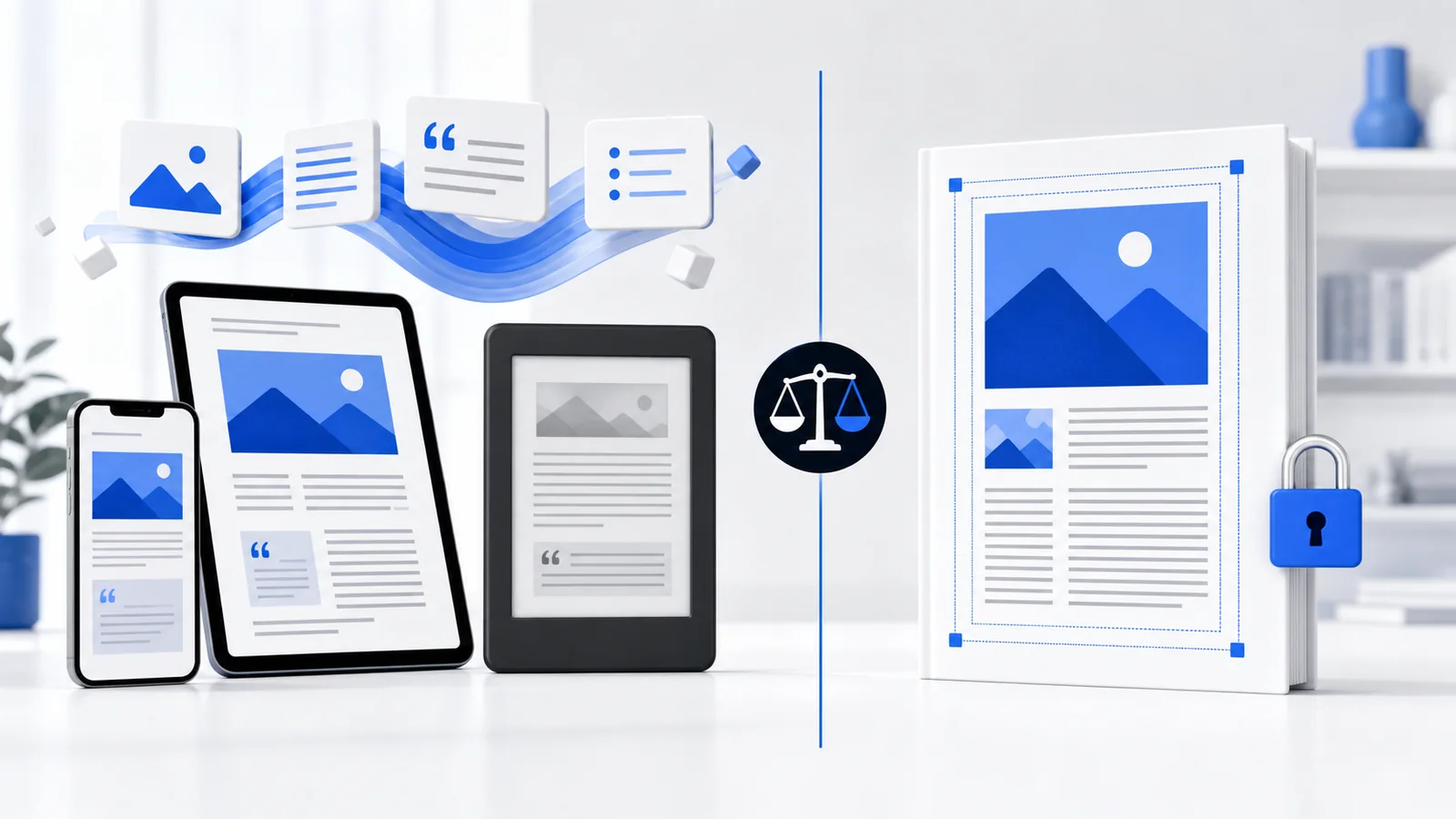
Use EPUB for most Kindle ebooks and a print-ready PDF for most KDP paperbacks. EPUB lets text reflow across phones, tablets, Kindle devices, and reading apps. PDF locks every page in place, which is ideal for printing but often awkward on a small screen. KDP supports additional formats, including DOCX and KPF, but the correct upload depends on the edition and the type of book.
EPUB vs PDF for KDP: the quick answer
| Publishing goal | Recommended starting format | Why |
|---|---|---|
| Standard Kindle novel or nonfiction ebook | Reflowable EPUB | Adapts to reader settings and screen size |
| Simple Kindle book created in Word | Clean DOCX or EPUB | KDP can convert DOCX; EPUB provides more pre-upload control |
| Kindle Create workflow | KPF | Amazon’s project format for supported Kindle workflows |
| KDP paperback interior | Print-ready PDF | Preserves trim size, margins, typography, and page numbers |
| Paperback interior with bleed | Print-ready PDF | KDP requires a fixed file prepared with bleed |
| Image-heavy fixed-layout ebook | Fixed-layout EPUB or KPF | Preserves composition when reflow would damage meaning |
What EPUB does well
EPUB is an open digital-publication format built from structured web technologies. The content is packaged with navigation, metadata, images, styles, and other resources. EPUB 3 supports ordinary reflowable books as well as more advanced publications, accessibility features, global typography, media, and fixed-layout content.
EPUB lets text reflow
In a reflowable EPUB, text wraps to fit the available width. A reader can enlarge the font or rotate a device without zooming into a fixed page. That is the main reason EPUB is better than a print PDF for novels, memoirs, business books, and most text-led nonfiction.
EPUB provides real ebook navigation
A correctly built EPUB includes logical navigation that reading systems can expose in their menus. Headings, chapter links, landmarks, and reading order are part of the publication rather than visual marks on a page. This makes the book easier to use and improves compatibility with assistive technology.
EPUB can be validated
EPUBCheck can identify structural and technical problems before a retailer receives the file. Validation does not guarantee that every design choice will look perfect, but it catches missing files, broken markup, invalid navigation, and other conformance issues that can trigger rejection or poor behavior.
EPUB works beyond Amazon
A neutral, standards-based EPUB can be prepared for multiple distribution channels, although each retailer still has its own content rules and rendering behavior. If an author plans to publish through Apple Books, Kobo, IngramSpark, Draft2Digital, or other services, a clean master EPUB is more portable than an Amazon-only project file.
What PDF does well
PDF preserves a page. Fonts, images, spacing, and coordinates remain fixed, which is exactly what a printer needs. A PDF is therefore the normal final interior for a carefully typeset paperback.
PDF preserves trim size and typography
The formatter controls the page dimensions, margins, gutter, line length, headers, footers, folios, chapter openings, and image placement. When the PDF is exported correctly, KDP’s print system receives a stable description of each page.
PDF supports print production requirements
A print PDF can embed fonts and high-resolution images, include pages sized for bleed, and preserve the final pagination used by a table of contents or index. KDP’s paperback guidance requires PDF when the manuscript includes elements that bleed.
Why PDF is often poor for Kindle reading
A fixed page does not adapt naturally to a narrow device. Readers may need to zoom and pan. Text may be too small, columns may be difficult to follow, and accessibility can suffer. Converting a designed PDF directly into EPUB can also produce broken reading order, split paragraphs, headers mixed into the text, and distorted images.
Whenever possible, create the ebook from the original edited manuscript or structured source—not by reverse-engineering the final print PDF.
What file formats does KDP currently support?
KDP’s current ebook help lists formats including EPUB, DOC/DOCX, and KPF. Amazon converts uploaded content into Kindle delivery formats. The exact accepted list can change, so check the live help page before a final delivery.
EPUB
Best suited to a controlled, testable ebook workflow. Use reflowable EPUB for most text-led books and a specialist fixed-layout EPUB only when the content depends on precise composition.
DOCX
A clean Word document can work for a straightforward ebook. Use styles, real headings, page breaks, and simple images. Remove print-only headers, footers, and page numbers. Because KDP converts the file, inspect the converted result closely.
KPF
KPF is associated with Kindle Create and Kindle Previewer workflows. It can be convenient for authors using Amazon’s tools, but ask for an EPUB as well if you need a portable file for distribution elsewhere.
MOBI
MOBI is no longer accepted for new KDP ebook uploads. Amazon ended support for reflowable MOBI earlier and completed the transition away from fixed-layout MOBI on March 18, 2025. New workflows should use EPUB, DOCX, KPF, or the other formats currently listed for the relevant book type.
Best file format by book type
Novel, memoir, or text-led nonfiction
Use reflowable EPUB for the Kindle edition and a separately typeset PDF for the paperback. This gives digital readers flexibility and print readers polished pages.
Business book with tables and callouts
Reflowable EPUB can work when tables and callouts are simplified for narrow screens. Complex tables may need restructuring. The print edition can preserve a richer fixed layout in PDF.
Workbook or fillable guide
A paperback or downloadable PDF may serve the content better than a conventional Kindle ebook because users need stable writing areas and page-based exercises. If a Kindle edition is required, redesign the activities for digital reading rather than shrinking the worksheet pages.
Cookbook, children’s book, comic, or illustrated guide
These projects require an early decision between reflowable and fixed layout. A cookbook with flexible recipes may reflow successfully; a picture book whose words depend on exact image placement may require fixed layout. Test the chosen format on every supported device class.
Poetry
Simple poetry can use carefully styled reflowable EPUB, but line length and indentation may change on small screens. Complex visual poetry may need a fixed approach or an alternative digital edition. Always test the longest lines at large font settings.
How to test files before uploading
- Validate EPUB. Run EPUBCheck and resolve genuine errors.
- Use Kindle Previewer. Inspect phone, tablet, and e-reader views at different font sizes.
- Test navigation. Open every chapter link, footnote, and external URL.
- Inspect images. Check size, clarity, captions, reading order, and alternative text.
- Review the print PDF. Confirm page size, margins, gutter, bleed, fonts, images, pagination, and blanks.
- Use KDP previewers. Resolve warnings before submitting.
- Order a print proof. Check physical readability, contrast, alignment, and binding.
Frequently asked questions
Is EPUB better than PDF for Kindle?
For most text-led Kindle books, yes. EPUB can reflow and adapt to reader settings. PDF is better suited to fixed print pages or a deliberate fixed-layout publication.
Can I upload a PDF to KDP?
PDF is the predictable choice for paperback interiors and is required when an interior uses bleed. KDP supports PDF in some ebook contexts, but that does not make a print PDF a good reflowable ebook.
Does Kindle read EPUB directly?
KDP accepts EPUB uploads and converts the content into Kindle delivery formats. The author should still preview the converted book because Kindle rendering may differ from another EPUB reader.
Should my formatter deliver EPUB or KPF?
For Amazon-only publishing through Kindle Create, KPF may be useful. For portability and wider distribution, request a validated EPUB. Some projects benefit from both.
Can I convert my paperback PDF into EPUB?
Automated conversion is possible, but the result often carries print artifacts and broken reading order. A better ebook usually begins with the edited source manuscript and intentionally rebuilt structure.
What replaced MOBI for KDP?
Amazon directs publishers toward current formats such as EPUB, DOCX, and KPF. Confirm the latest accepted list for your exact book type before uploading.
Official references
- KDP supported ebook manuscript formats
- Amazon’s MOBI support FAQ
- KDP paperback submission guidelines
- W3C EPUB 3.3 specification
For a broader production checklist, read Amazon KDP Formatting Requirements. Cebooker Studio provides Kindle and EPUB formatting and paperback formatting.
Not sure which file your book needs?
Describe the book, the planned editions, the publishing platforms, and any complex elements. Cebooker can recommend the most reliable delivery format.