
Self-Publishing & KDP
KDP Front Matter and Back Matter: Kindle & Paperback Guide
KDP front matter and back matter guide for Kindle ebooks and paperbacks: page order, navigation, quality checks, and practical formatting tips.
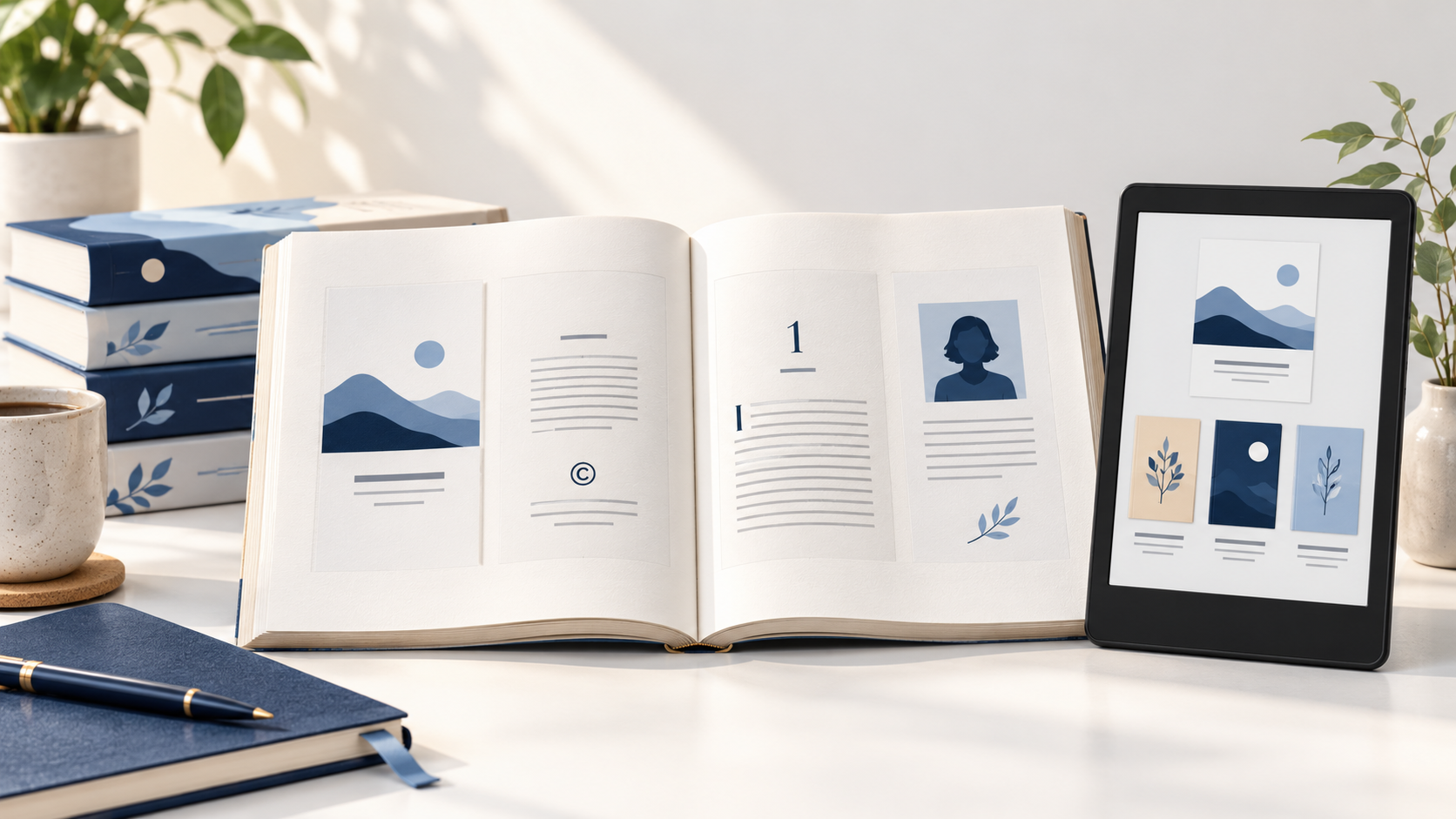
Direct answer: Your KDP book’s front matter introduces the reader before chapter one; back matter closes the reading experience and can guide a reader to an author bio, bibliography, or other books. For a paperback, KDP gives a conventional front-matter order and page-placement guidance. For a Kindle ebook, use a clear title page, keep navigation useful, and make every page work in a reflowable reading experience. Read Amazon KDP’s official guide to front, body, and back matter.
Front matter, body matter, and back matter: the reader’s route through your book
Think of these three sections as one reading path. Front matter is the material before chapter one. Body matter is the main text, usually chapters and parts. Back matter follows the main text. The exact components depend on the book: a novel may need only a title page, copyright page, and author note, while a nonfiction title may also need a contents page, preface, acknowledgments, notes, or bibliography.
Do not add every possible page simply because it appears on a checklist. Choose pages that serve the reader and your publication. A title page establishes the book; copyright language records rights information; a useful contents page supports navigation; an author page gives a reader a next step. This article complements our Kindle ebook table-of-contents guide rather than repeating its navigation setup.
| Section | Typical content | Primary job |
|---|---|---|
| Front matter | Title, copyright, dedication, contents, preface | Orient the reader before the main text |
| Body matter | Parts, chapters, appendices used in the main reading flow | Deliver the book’s core content |
| Back matter | Acknowledgments, notes, bibliography, author bio, other books | Close, credit, and help the reader continue |
Paperback front matter: a practical order
Amazon KDP’s paperback interior guidance says front matter is the content before the main body and gives the usual sequence as half title, title, copyright, reviews and praise, dedication, table of contents, preface, acknowledgments, prologue, and introduction. Many of those elements are optional. Use the list as a framework, then remove pages that do not fit the book.
Placement affects a printed book’s rhythm. According to KDP, the half title and title page are right-facing; the copyright page is the first left-facing page after the title page. KDP also places a table of contents on a right-facing page and says it should use chapter and section names exactly as they appear in the manuscript. These are specific paperback design considerations—not rules to transfer unchanged to an ebook.
Set up the opening pages deliberately
Before styling individual pages, decide which pages need to begin on a right-facing page and where a blank page is genuinely needed. In Microsoft Word, KDP’s paperback manuscript guide for Word uses section breaks to manage the front matter and later restart the body’s page numbering. Check the printed PDF spread by spread; a page may look fine alone but feel accidental beside its facing page.
Keep the running order and contents in sync
When chapter names change, revisit the contents page and any running headers. This is especially important after late developmental edits, when page numbers, part breaks, and the final page count can all shift. If a changed page count affects your spine, return to our KDP paperback cover-size guide and regenerate the cover template for the final specification.
What changes for a Kindle ebook
A Kindle ebook is reflowable in the common case: readers can change screen size, orientation, font, and font size. That means print page numbers and right-versus-left placement are not reliable navigation tools. Amazon’s eBook manuscript formatting guide says an ebook should include a title page with the book title and author name; it lists title, dedication, and copyright among front-matter options, and an author page or bibliography among back-matter options.
For Kindle, focus on structure and navigation. Give every major section a meaningful heading. Keep a linked HTML contents page near the front when it helps readers, and make sure the book’s logical table of contents works from Kindle’s Go To menu. Avoid adding a printed-style contents list with static page numbers: those locations will change with reader settings.
Links deserve an editorial check, especially in back matter. An “also by” page can be helpful when every title link is accurate and the page is not overloaded with promotional copy. For a cross-format project, do not assume the ebook and paperback back matter must be identical; an ebook can use live links, while a paperback needs usable visible web addresses or a different call to action.
- 1. Plan
Choose pages that serve this book - 2. Structure
Apply consistent section and chapter headings - 3. Check
Verify navigation, sequence, and links - 4. Preview
Review the correct print and ebook files
A quality-review workflow before upload
Use this Cebooker editorial workflow alongside KDP’s official tools. It is a practical review method, not an extra KDP requirement.
1. Compare the manuscript to your publishing details
Confirm the title, subtitle, and author name on the title page agree with the details entered in KDP. Amazon says those manuscript details must match the book setup information when you upload content. Check the copyright year, edition statement, and any ISBN entry too. Use the final, approved metadata rather than a working draft.
2. Review the paperback as a book, not single pages
Open the interior PDF in KDP Print Previewer and inspect the beginning, every special page, and the first pages of chapters. Confirm that deliberately blank pages are blank, the contents matches the body, and headers and folios do not appear where the design suppresses them. Then order a physical proof when a tactile review will help; our KDP proof-copy checklist explains the separate print-stage check.
3. Test the ebook at reader settings
Open the ebook in Kindle Previewer 4 or KDP’s Online Previewer. Change device views, orientation, and type settings. Confirm that front matter breaks cleanly, headings remain clear, and every link from the contents and back matter goes where you expect. Amazon says the Online Previewer includes device views and, for eligible content, a quality panel for spelling and image issues.
4. Correct the editable source, then recheck affected pages
Do not try to patch a PDF or converted ebook at the last minute. Make the correction in the source document or EPUB, export a fresh version, and recheck nearby pages because a changed line can shift later content. Save the submitted file and revision date together so you can identify exactly what was reviewed.
Need a book that reads well in print and on Kindle?
Cebooker can prepare a reader-friendly paperback interior, responsive Kindle file, and cover system from one manuscript. Bring us your manuscript, publishing specifications, and any front- or back-matter copy you want included.
Frequently asked questions
What should go in the front matter of a paperback?
Use only the pages that fit the book. KDP’s common order starts with half title, title, and copyright, then may include reviews, dedication, contents, preface, acknowledgments, prologue, or introduction.
Does a Kindle ebook use the same page order as a paperback?
Not exactly. An ebook should have a clear title page and useful navigation, but reflowable layout means print page numbers and left/right page placement do not carry over reliably.
Should the table of contents come before chapter one?
For a paperback, KDP’s standard front-matter order places it before the body. For ebooks, a linked contents page near the front is useful and should work alongside the logical Kindle navigation.
What can I put in book back matter?
Common choices include acknowledgments, notes, bibliography, an author biography, and other books by the author. Include pages only when they add value to the reading experience.
How do I check links in ebook back matter?
Open the converted file in Kindle Previewer or KDP Online Previewer and test each link. Recheck after any source-file edit or re-upload.
Official sources, checked October 15, 2026: Amazon KDP: Format Front Matter, Body Matter, and Back Matter; Amazon KDP: eBook Manuscript Formatting Guide; Amazon KDP: Format a Paperback Manuscript in Word; Amazon KDP: Upload and Preview Book Content.